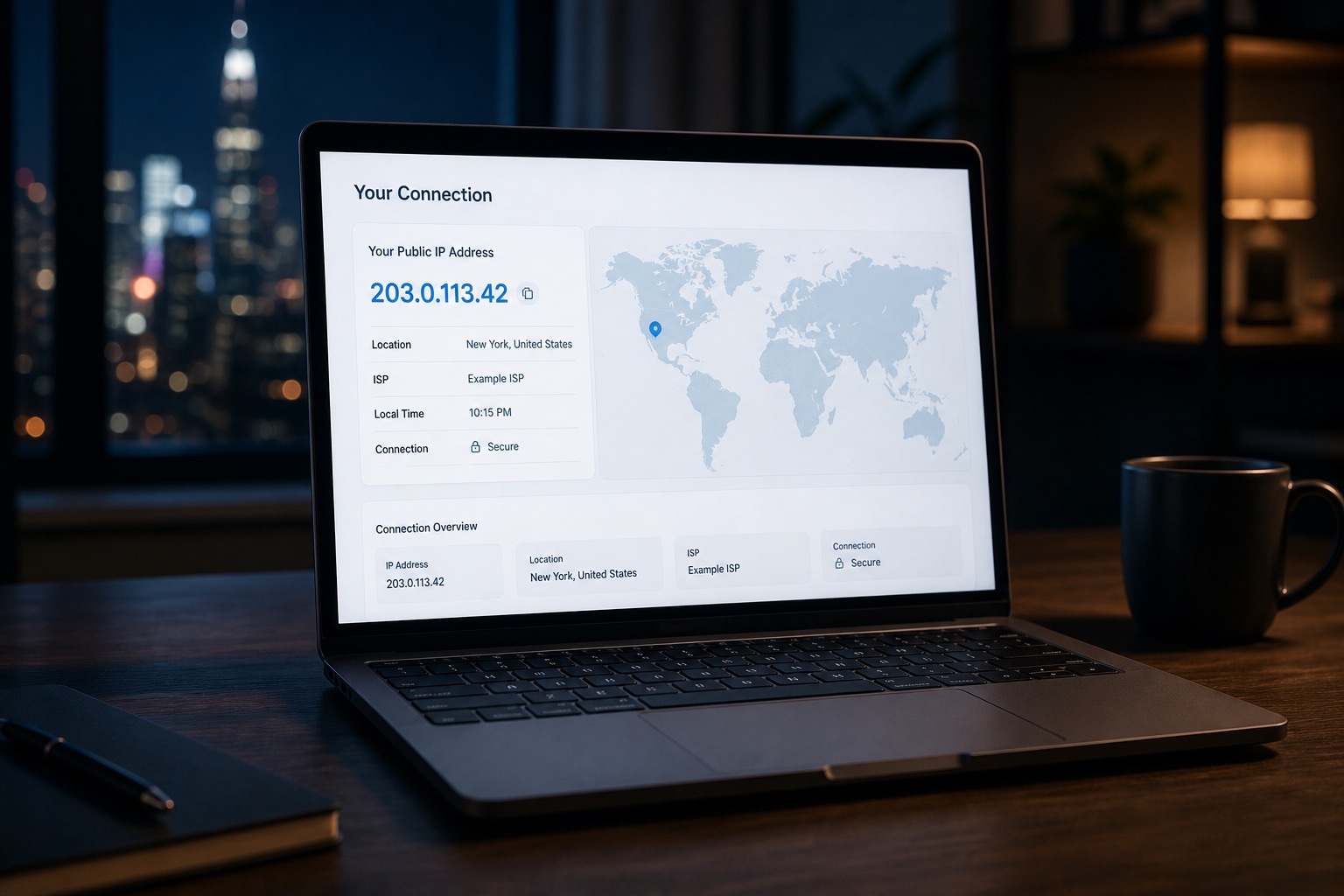
Your IP address is the public network address websites see when your device connects to the internet. It helps online services send information back to your connection, but it can also reveal useful details about your network.
Use the What Is My IP tool to see your current public IP address, approximate location, internet provider, and connection details.
Quick answer: what does an IP address reveal?
A public IP address can usually reveal:
- Your approximate country, region, or city
- Your internet service provider
- The organization that manages the address
- Your autonomous system number
- Whether the address appears to belong to a hosting provider, proxy, or VPN
- Whether your connection uses IPv4 or IPv6
An IP address does not normally reveal your exact home address, your name, your passwords, or the precise location of your device. IP geolocation is an estimate based on network registration and routing data, not GPS.
What is an IP address?
An Internet Protocol address is a numerical identifier used to route traffic between networks. When you open a website, your connection sends requests from a public IP address. The website uses that address to return the requested page or data.
Most home and mobile users receive their public address from an internet service provider. The address may remain stable for a period of time or change when the router reconnects, the provider updates its network, or the user changes networks.
For a more detailed introduction, read What Is an IP Address?.
How to check your public IP address
The fastest method is to open the IP Location Tool homepage. It automatically checks the public address visible to websites.
The result can include:
- Public IPv4 or IPv6 address
- Approximate city and country
- Internet service provider
- Organization
- Autonomous system number
- Time zone
- Possible privacy-service or hosting signals
If you want to investigate a different public address, use the IP Lookup tool. It accepts routable IPv4 and IPv6 addresses and returns available ownership, location, and routing information.
What is the difference between IPv4 and IPv6?
IPv4 is the older and most widely recognized address format. A typical IPv4 address contains four groups of numbers, such as:
8.8.8.8
IPv6 was introduced to provide a much larger address space. A typical IPv6 address is longer and uses hexadecimal characters.
Some connections use both versions at the same time. This is called dual stack. A VPN or proxy may protect IPv4 traffic while allowing IPv6 traffic to use the original network route, depending on its configuration.
Use the IPv6 Test to check whether your browser has working IPv6 connectivity and compare it with your IPv4 result.
How accurate is IP location?
IP location is approximate. It may correctly identify the country and provider while showing a nearby city, a regional network center, or the location where the provider registered the address.
Accuracy can vary because:
- Mobile networks route users through shared gateways
- Internet providers register address blocks at regional offices
- VPNs and proxies show the location of their exit server
- Corporate networks may route traffic through another city or country
- IP address blocks can be transferred between providers
- Public databases may take time to reflect network changes
For these reasons, IP location should be treated as network context rather than proof of a person’s physical location.
What are an ISP and an ASN?
Your internet service provider is the company or organization providing your network connection. The provider may be a home broadband company, mobile carrier, business network, university, cloud platform, or hosting service.
Use the ISP Lookup tool to review provider information associated with a public address.
An autonomous system number identifies a network that manages internet routes under a common routing policy. Large providers, hosting companies, universities, and technology companies often operate one or more autonomous systems.
Use the ASN Lookup tool to inspect network ownership and routing details.
Can websites track you with an IP address?
Websites commonly record IP addresses in security logs, analytics systems, fraud-prevention tools, and rate-limiting systems. An address can help estimate a visitor’s region and identify repeated requests from the same network.
However, one address does not always represent one person. Several users may share an address through:
- A home router
- A workplace network
- A mobile carrier
- Carrier-grade network address translation
- A public Wi-Fi network
- A VPN or proxy service
An IP address becomes more useful for tracking when it is combined with cookies, account activity, browser characteristics, and timestamps.
Can a VPN hide your IP address?
A VPN creates an encrypted tunnel between your device and a remote server. Websites usually see the VPN server’s public address instead of the address assigned by your internet provider.
A VPN can reduce direct exposure of your home or mobile IP address, but it does not make a user completely anonymous. Websites may still recognize accounts, cookies, browser settings, and other identifying signals.
Read the VPN Guide to understand how VPN routing works and what to check after connecting.
After enabling a VPN:
- Open the What Is My IP tool.
- Confirm that the visible address and provider changed.
- Run the WebRTC Leak Test.
- Run the IPv6 Test.
- Compare network performance with the Speed Test.
These checks help confirm that the browser is using the route you expect.
What is a WebRTC leak?
WebRTC is a browser technology used for real-time audio, video, and peer-to-peer communication. In some network configurations, browser connection candidates may reveal additional local or public network information.
A WebRTC result does not automatically prove that a VPN has failed. The important question is whether the browser exposes a public address that differs from the protected route you expected.
Use the WebRTC Leak Test before and after connecting to a VPN to compare the results.
How to protect your public IP address
You cannot use the public internet without some form of routable address, but you can control which address websites see and reduce unnecessary exposure.
Practical steps include:
- Use a trusted VPN when you do not want websites to see your home or mobile address
- Keep your browser and operating system updated
- Check IPv4, IPv6, and WebRTC after changing privacy tools
- Avoid publishing server addresses or sensitive network details
- Use a firewall and strong authentication for remotely accessible services
- Review account sessions and security alerts regularly
- Remember that cookies and logged-in accounts can identify you even when your address changes
Frequently asked questions
Is my IP address permanent?
Not always. Many providers assign dynamic addresses that can change. Some business and server connections use static addresses that remain stable.
Does an IP address show my exact location?
Usually not. It normally provides an approximate network location and may point to a nearby city, provider gateway, or registration address.
Can someone find my name from my IP address?
Public lookup tools generally cannot connect an address to a subscriber’s name. Internet providers may hold subscriber records, but those records are not normally public.
Why does my IP location show another city?
Your provider may route traffic through a regional gateway or register the address block in another city. Mobile networks, corporate networks, VPNs, and proxies can produce similar results.
Why do I see both IPv4 and IPv6?
Your network may support both internet protocol versions. Testing both is important because they can use different routes.
Does incognito mode hide my IP address?
No. Private browsing mainly limits local browser history and some stored site data. Websites can still see the public address used by your connection.
Check your connection now
Start with the What Is My IP tool to see the address currently visible to websites.
For a complete network check, compare the result with:
Together, these tools provide a clearer view of your public route, network owner, approximate location, protocol support, browser exposure, and connection performance.